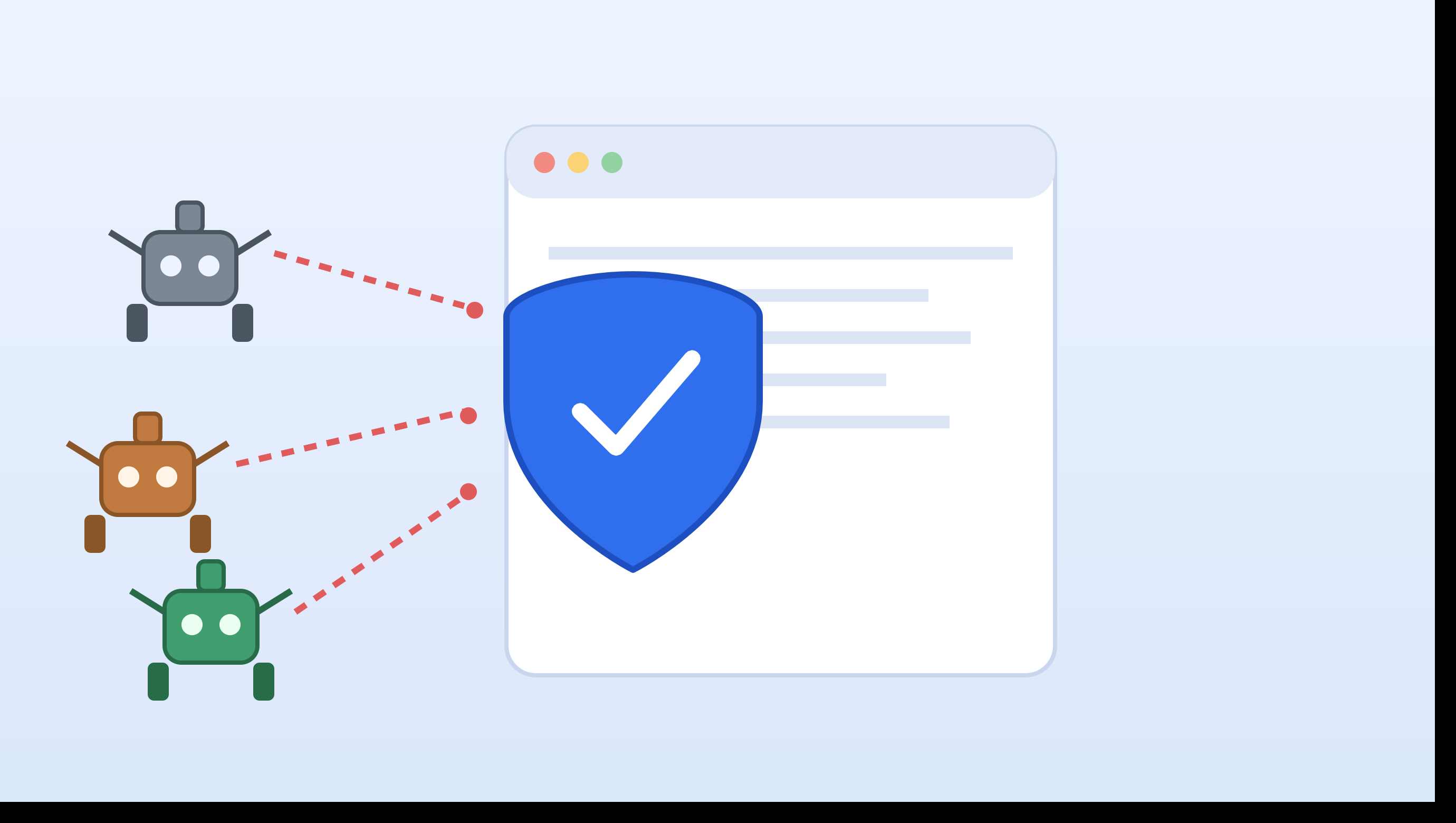

Should You Block AhrefsBot? (Quick Decision Guide)
This is the question most people are really asking before they touch any code. Here's how to decide fast:
Block Ahrefs, Moz, and Majestic if:
- You do not use Ahrefs, Moz, or Majestic to check your backlinks or manage disavow files.
- You use shared or limited hosting, where too many bot visits can use your bandwidth and slow down your website.
- You have a private or competitive website and do not want your competitors to study your backlinks.
Don't fully block them if:
- You use Ahrefs or Moz to check your own backlinks or rankings. If you block their bots, these tools may not be able to collect data from your website.
- You want your website to appear in these tools' databases so that people can find information about your website and backlinks.
If you are not sure, it is safer to use a partial block or crawl-delay instead of completely blocking the bot with Disallow: / or a full deny rule. We explain these options in more detail below.
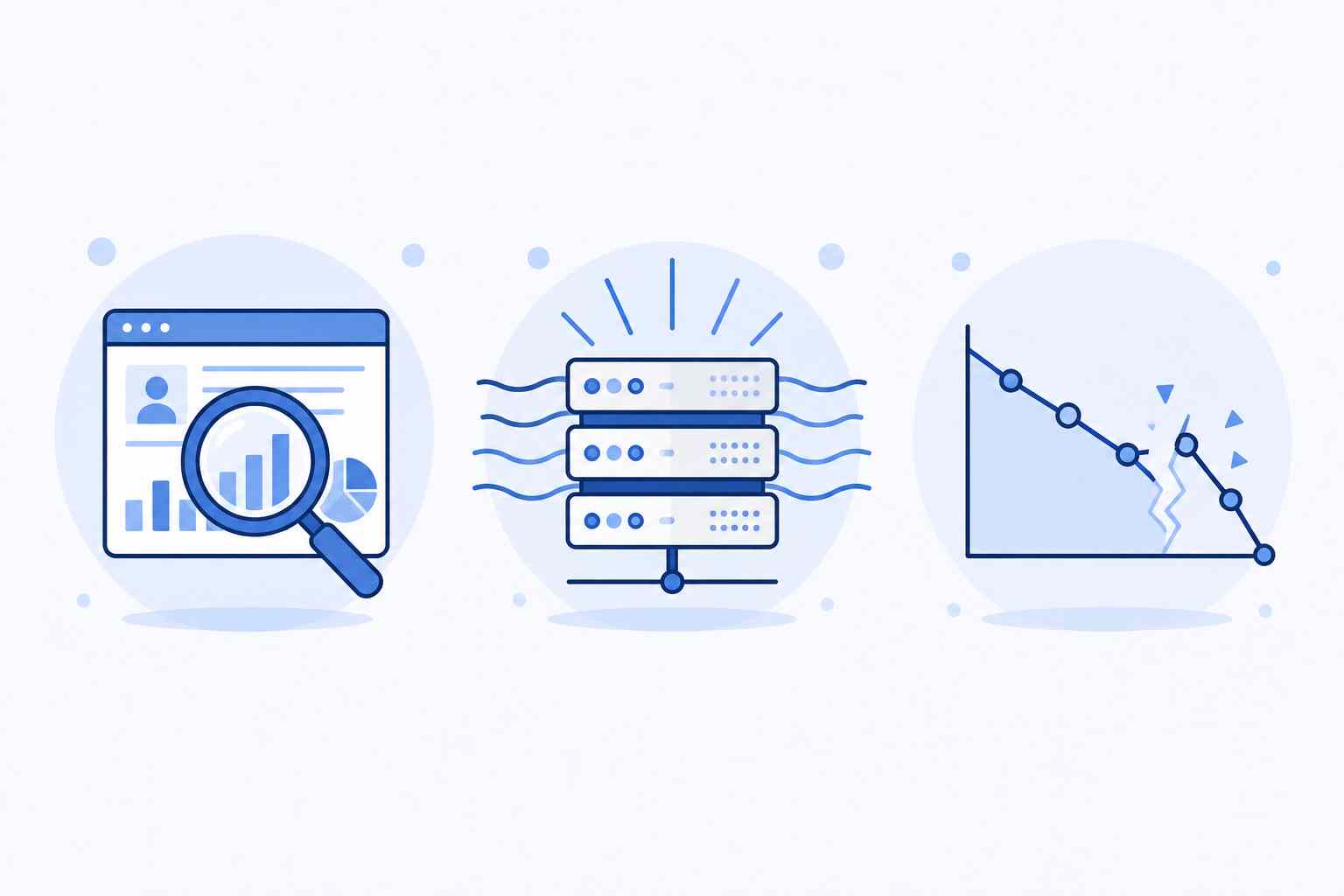
Why Block These Bots?
-
Stop competitor intelligence – If the bot is blocked, third-party SEO tools like Ahrefs, Moz, and Majestic will show "No Data Found" for your site.
-
Save server resources – These bots send thousands of requests, consuming bandwidth and increasing server load.
-
Keep analytics clean – Bot traffic skews your actual visitor statistics and data.
-
No impact on Google rankings – Keep in mind that Googlebot is completely separate and independent from these three. Blocking Ahrefs, Moz, or Majestic will not negatively affect your Google search rankings.
Method 1: Blocking via robots.txt (Easiest Method)
robots.txt file in your site's root directory and add the following:User-agent: AhrefsBot
Disallow: /
User-agent: MJ12bot
Disallow: /
User-agent: rogerbot
Disallow: /
User-agent: dotbot
Disallow: /
User-agent: SemrushBot
Disallow: /
robots.txt is just a request, not a lock. Legitimate bots (like the actual AhrefsBot) follow this directive, but if a scraper spoofs the user-agent name to send fake requests, it can completely ignore robots.txt. That's why relying solely on robots.txt isn't enough.Method 2: Server-Level Blocking via .htaccess How to Deny AhrefsBot Properly
RewriteCond %{HTTP_USER_AGENT} (AhrefsBot|MJ12bot|rogerbot|dotbot|SemrushBot|Exabot) [NC]
RewriteRule .* - [F,L]
Paste this code into your .htaccess file. This is better than robots.txt because the bot has no option to comply or ignore, the request is directly rejected.
This is called a “deny” rule. The [F,L] flags tell the server to send a 403 Forbidden response and stop checking other rules. This means the AhrefsBot request is blocked before it can access your website pages. If you only want to block AhrefsBot and still allow Moz or Majestic, remove the other bot names from the rule, like this:
RewriteEngine On
RewriteCond %{HTTP_USER_AGENT} AhrefsBot [NC]
RewriteRule .* - [F,L]
This rule blocks AhrefsBot only and does not affect other search bots.
Method 3: Blocking at the Edge via Cloudflare
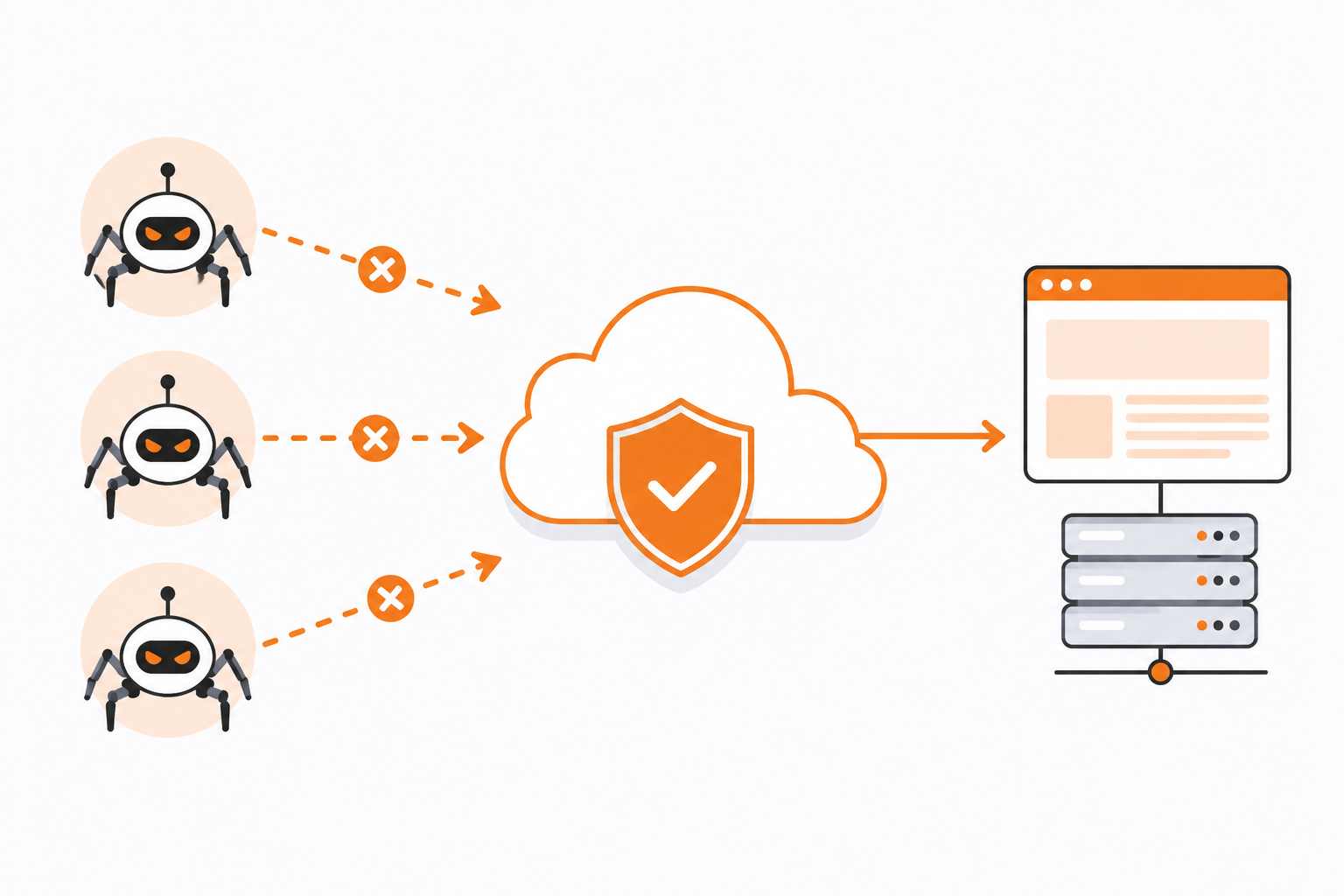
If you use Cloudflare, this is the best method because the bot is blocked at Cloudflare's edge before it ever reaches your server:
- Go to Cloudflare Dashboard → Security → WAF
- Click Create Rule
- Field:
http.user_agent— Operator:contains— Value:AhrefsBot(similarly, add a separate condition using "OR" for each bot) - Action: Block
On the Cloudflare Pro plan, you can also use the Bot Management dashboard, where verified bots like AhrefsBot are already listed and can be allowed or blocked with a single click.
Method 4: PHP Method for WordPress Users If your server doesn't support .htaccess or you are using WordPress, you can add this code to your functions.php file:
$badAgents = array('ahrefsbot', 'mj12bot', 'rogerbot', 'dotbot', 'semrushbot');
foreach ($badAgents as $agent) {
if (stripos($_SERVER['HTTP_USER_AGENT'], $agent) !== false) {
die('Access Denied');
}
}
Keep in mind: if you use this method, you also need to block your RSS feed separately; otherwise, bots can still crawl your site's data through the feed.
What Most Articles Miss: The Issue of Fake/Spoofed Bots

This is the most critical gap I noticed during research, very few bloggers actually talk about this.
Spoofing a user-agent string is ridiculously easy. Any scraper can write AhrefsBot in its request, even if it has no connection to Ahrefs. In real-world testing, researchers found a single IP address sending over 600,000 requests by identifying itself as "Majestic Bot" and then switching to AhrefsBot, as soon as one was blocked, it simply changed its name.
This means blocking based solely on the user-agent isn't enough. For authentic verification, two steps are necessary:
-
Reverse DNS Lookup – Run
dig -x [IP]on the suspicious IP. A legitimate AhrefsBot hostname always ends in.ahrefs.comor.ahrefs.net. -
Forward DNS Confirmation – Resolve that hostname back to an IP address to confirm it matches the original IP.
If both steps pass, the bot is genuine. If not, it's fake and should be blocked at the IP level (not via robots.txt, as fake bots ignore it).
Another Trade-Off Most People Won't Tell You
If you use an Ahrefs, Moz, or Majestic account yourself—for checking your own backlinks, creating disavow files, or performing backlink audits—completely blocking these bots means you will lose access to data for your own website too. In that case, instead of using Disallow: /:
-
Block only specific paths (e.g.,
/admin/,/staging/) -
Set a
Crawl-delayso the bot crawls at a slower pace while still providing data
This is the middle option we mentioned earlier in the “Should You Block AhrefsBot?” section. Use this option if you use your own Ahrefs or Moz account to check your website.
Testing: How to Check If the Block Is Working
After setting up the blocks, use these methods to verify:
-
botsimulator.com – Simulates user-agents to check whether your block is active.
-
Via Terminal – Run
curl -A "AhrefsBot" [https://yourwebsite.com](https://yourwebsite.com)to check if it returns a 403 Forbidden error.
FAQs
Q: Should I block Ahrefs?
Ans: Block AhrefsBot if you do not use Ahrefs yourself and want to keep your backlink information private from competitors or reduce the load on your server. Do not block it if you use Ahrefs to check your own backlinks and rankings. In that case, use a crawl-delay or block only certain pages instead of blocking AhrefsBot completely.
Q: How do I deny AhrefsBot specifically without blocking Moz or Majestic?
A: Use a targeted .htaccess deny rule with only "AhrefsBot" in the condition (shown in Method 2 above), or a robots.txt rule limited toUser-agent: AhrefsBot. This denies AhrefsBot while leaving other crawlers unaffected.
Q: Will this affect my Google rankings?
No. Googlebot is completely independent.
Q: Is robots.txt enough on its own?
It is fine for basic protection, but for serious privacy, .htaccess or Cloudflare are far more reliable since robots.txt relies solely on voluntary compliance.
Q: How often should the IP list be updated?
At least once a month, as these companies occasionally update their IP ranges.
Conclusion
Blocking Ahrefs, Moz, and Majestic is a legitimate and legal way to keep your SEO strategy private and save server resources. The best approach is to combine robots.txt, .htaccess (or Cloudflare WAF), and reverse DNS verification, ensuring protection against both genuine and fake bots.
Before you block the bot, check the quick guide above. If you use Ahrefs or Moz to check your own website, completely blocking the bot can stop these tools from collecting your data. Choose the blocking method that fits your needs: full block, partial block, or crawl-delay.
If you've gone through all these methods and still can't get your site fully protected from these crawlers, don't worry, the team at USENEXQOR can manage your website's bot protection for you, so you can focus on your SEO strategy while we handle the technical side.